The SEO Audit Checklist for Australian Small Businesses (2026)
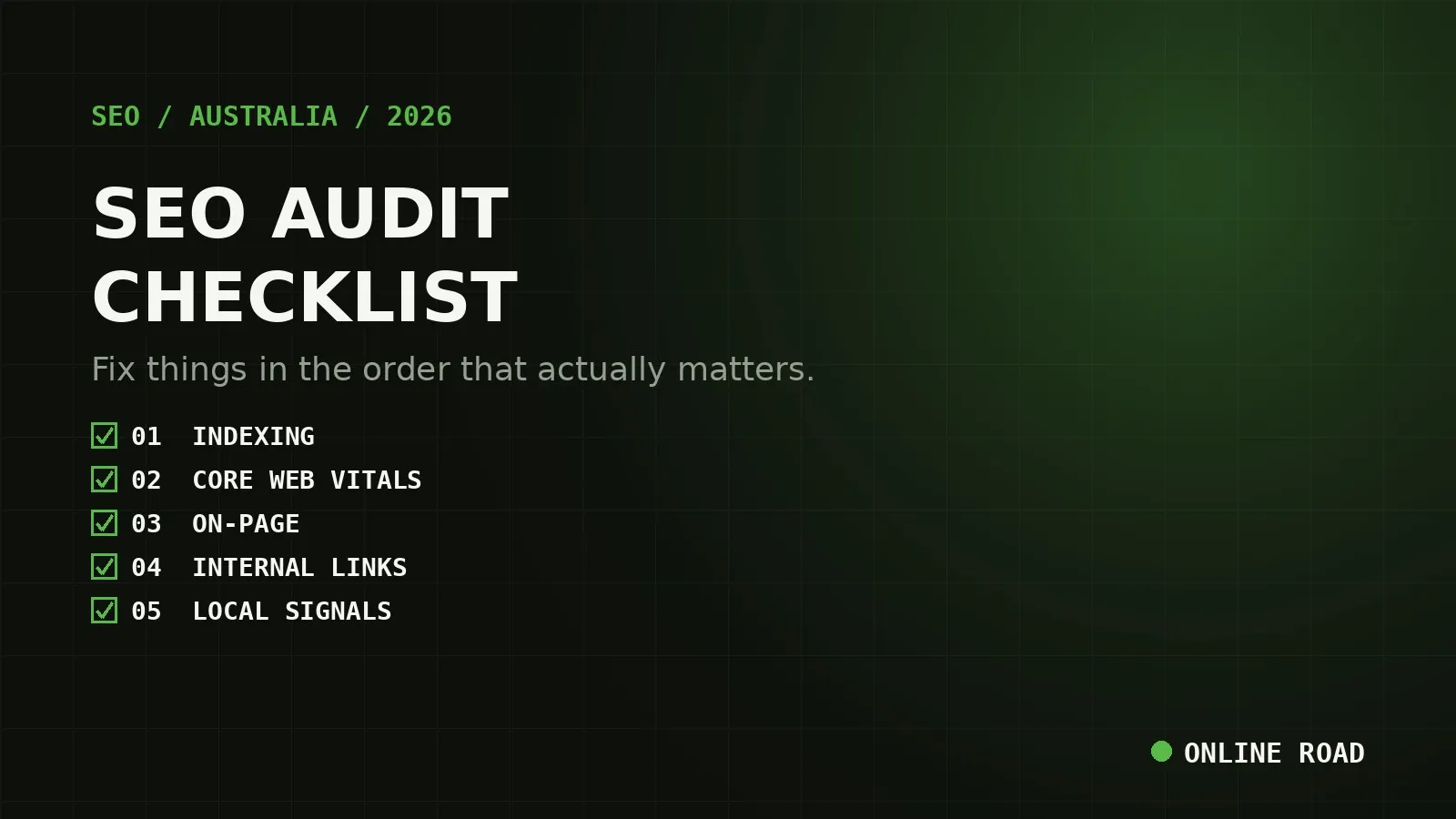
Most SEO audit checklists online are built to sell you a tool, not to get you unstuck. They list forty-plus items with no order, so you either freeze or start fixing whatever is easiest, which is rarely what is hurting you most. This checklist is different: it is ordered by what actually blocks rankings first, uses only free tools, and tells you when to stop auditing and start fixing.
Why order matters more than the checklist itself
Here is the mistake we see most in Australian small-business sites: a few hours spent polishing meta descriptions and adding alt text, while a canonical tag error is quietly keeping thirty pages out of Google’s index. The meta description work was not wrong, it was just premature. Fix a lower layer before a higher one and you waste the lower fix every time the higher issue gets touched.
Work through the sections below in order. Each one assumes the sections above it are already clean.
Step 1: Can Google actually find and index your site?
This is the only question that matters before anything else. A perfectly optimised page that Google cannot index ranks for nothing.
- Check indexing directly. In Google Search Console, open the Pages report under Indexing. Anything under “Not indexed” needs a reason, not just a count. The common Australian small-business causes are a stray
noindextag left over from a staging build, arobots.txtrule blocking a whole folder, or a canonical tag pointing somewhere else. - Spot-check with
site:yourdomain.com.auin a Google search. If the number of results looks far lower than your actual page count, something structural is blocking indexing. - Check your sitemap is current. Open
yourdomain.com.au/sitemap.xml(or your CMS equivalent) and confirm it lists your real, current pages, not ones deleted months ago. Submit it in Search Console if it is not already there. - Check for duplicate-canonical conflicts. Search Console’s Pages report flags “Duplicate, Google chose different canonical than user” as its own line item. This usually means two near-identical URLs (a trailing slash variant, a filtered or paginated version) are competing for the same ranking instead of one page accumulating all the signal.
If this step turns anything up, fix it before reading further. Nothing below outranks a page Google has never fully indexed.
Step 2: Core Web Vitals and mobile experience
Run your homepage and your two or three highest-traffic pages through PageSpeed Insights. Google’s field-data thresholds for a pass are:
- LCP (Largest Contentful Paint): 2.5 seconds or faster
- INP (Interaction to Next Paint): 200 milliseconds or faster
- CLS (Cumulative Layout Shift): 0.1 or lower
Most Australian small-business sites fail LCP first, usually from an unoptimised hero image or a render-blocking script loaded before anything visible appears. Compress and correctly size images (serve WebP where you can), and defer any script that is not needed for the first paint. Since most of your traffic is on mobile, run this check on the mobile report specifically, not just desktop. A site that passes on desktop and fails on mobile is still failing for most visitors.
Step 3: On-page fundamentals, checked at scale, not page by page
Crawl your site with a free tool such as Screaming Frog (free up to 500 URLs, which covers most small-business sites) and filter for:
- Duplicate or missing title tags and meta descriptions. Each page needs a unique title under roughly 60 characters and a meta description between 150 and 160 characters that earns the click, not just describes the page.
- Missing or multiple H1 tags. One H1 per page, containing the primary keyword naturally.
- Thin or near-duplicate pages, commonly templated location or service pages with only the suburb name swapped and nothing else genuinely localised. Google’s scaled-content guidance treats these as a single weak signal spread thin rather than many strong ones. Either add genuine local detail to each (local landmarks, suburb-specific proof, a locally relevant case study) or consolidate them.
- Broken internal links and redirect chains. A link going through two or three redirects before landing wastes crawl budget and dilutes the signal passed through each hop. Fix the link to point straight at the final URL.
Step 4: Crawl depth and internal linking
Open the crawl’s site structure report and check how many clicks it takes to reach your most important money pages from the homepage. If a key service page sits five or six clicks deep, buried under a generic blog archive or an over-nested category structure, Google (and your actual visitors) will struggle to find it as easily as a competitor whose equivalent page is two clicks away.
The fix is rarely a site rebuild. It is usually:
- Linking into money pages from relevant blog posts with descriptive anchor text (not “click here”)
- Adding a handful of key pages to primary navigation or a footer menu
- Making sure your most-visited blog posts link up to the service page they support
Step 5: Local signals, if you serve a physical area
Skip this step only if you have no local or service-area component at all. For nearly every Australian small business, this is where real, fast wins live.
- Name, address and phone (NAP) consistency across your website, your Google Business Profile and major directories (True Local, Yellow Pages, Localsearch). A mismatched suite number or an old phone number undermines trust signals.
- Local business schema markup, matching your NAP exactly. See our guide to schema markup for Australian local businesses for the fields that matter most.
- Review velocity, not just review count. A steady trickle of new, genuine reviews now outweighs a large but static total. If your profile is not showing in the map pack at all, work through our dedicated Google Business Profile ranking diagnostic.
Step 6: Backlinks and authority, last on purpose
Check your backlink profile last, because it is the slowest lever to pull and the easiest to misjudge without the context from the steps above. Search Console’s Links report gives you a free, if basic, view of who links to you. Look for:
- A sudden spike of low-quality, irrelevant links (a sign of negative SEO or a past bad agency), which may need disavowing
- Whether your strongest competitors have meaningfully more linking domains than you, which tells you whether the gap is content and outreach, or something more structural you have already found above
Turning findings into a priority order
Once you have a list, do not work it top to bottom as the tool presents it. Score each finding on two axes: how many pages or how much traffic it touches, and how much effort the fix takes. A broken canonical on your highest-traffic service page (high impact, low effort: fix today) beats a missing alt tag on a five-year-old blog image (low impact, low effort: batch it later) every time, and both beat a full content rewrite of a page that is not actually underperforming (low-to-medium impact, high effort: deprioritise).
What this checklist will not tell you
A DIY audit is genuinely useful for catching the structural issues above, but it will not tell you which keywords are worth targeting for your specific market, how your gap compares to the competitors actually beating you, or what a realistic recovery timeline looks like once fixes are live (our guide to how long SEO takes in Australia covers that honestly). That competitive and strategic layer is what a full SEO audit adds on top of the technical checklist here.
If you have worked through all six steps and still cannot tell what is holding your rankings back, book a free strategy call and we will run this same checklist over your site, with the competitor and keyword context a DIY pass cannot see, as part of our broader SEO service.