Core Web Vitals in 2026: A Practical Guide to LCP, INP and CLS
Core Web Vitals are Google’s way of putting numbers on how a page feels to use: how fast the main content appears, how quickly the page responds when someone taps or types, and whether things jump around while it loads. If your copy of this checklist still mentions First Input Delay (FID), it is out of date. FID was retired in 2024, and the responsiveness metric now is Interaction to Next Paint (INP), which is much harder to pass.
This guide covers what each metric measures in 2026, the exact thresholds Google uses, how much they really affect rankings, the tools that report them (and the one that cannot), and a practical checklist for fixing each one.
What Core Web Vitals are
Core Web Vitals are a small set of user experience metrics defined by Google’s Chrome team on web.dev. Each one covers a different part of the experience:
| Metric | What it measures | Good | Needs improvement | Poor |
|---|---|---|---|---|
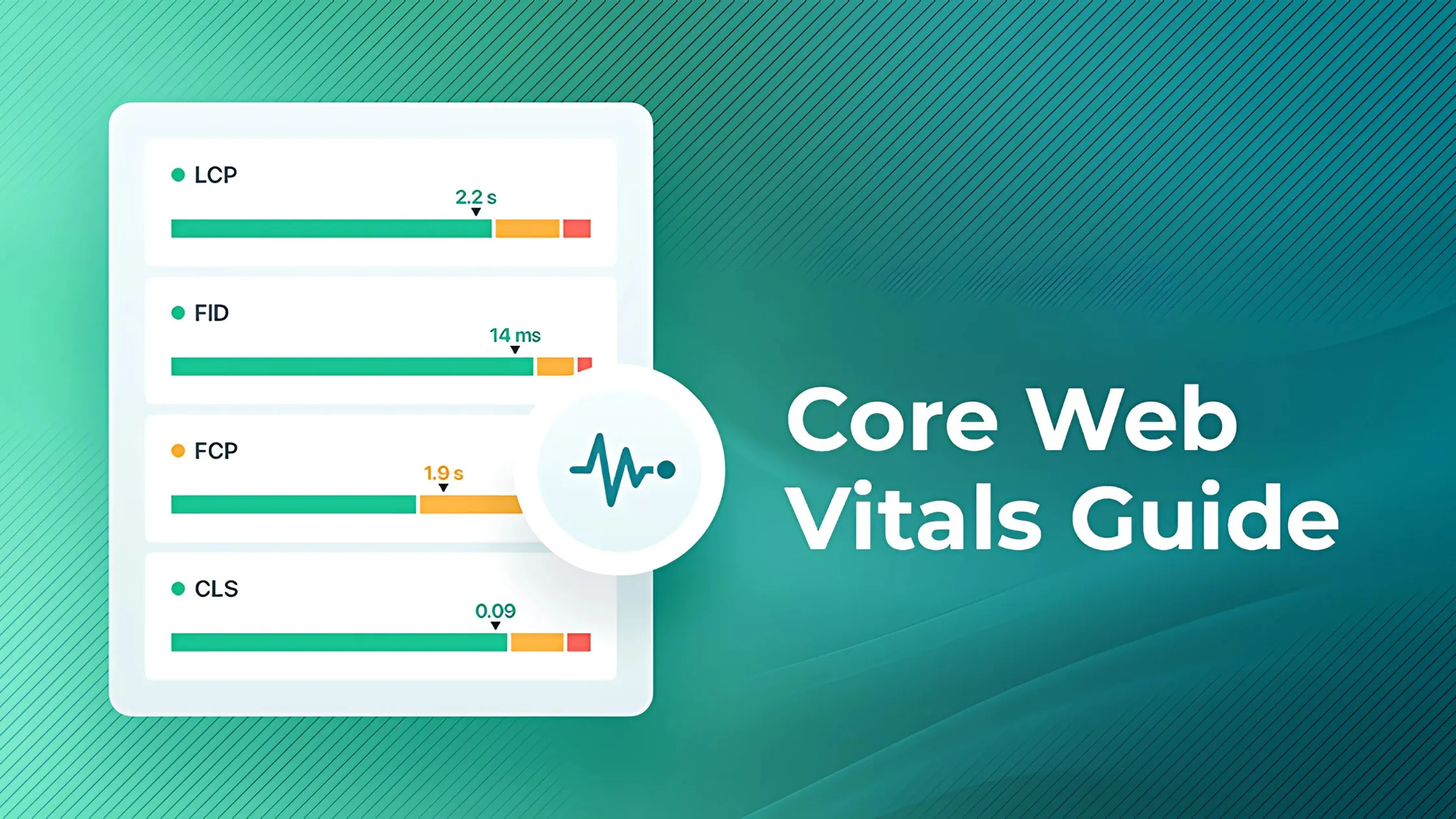
| Largest Contentful Paint (LCP) | Loading: when the biggest image or text block appears | 2.5s or less | 2.5s to 4.0s | Over 4.0s |
| Interaction to Next Paint (INP) | Responsiveness: delay between a tap, click or key press and the next visual update | 200ms or less | 200ms to 500ms | Over 500ms |
| Cumulative Layout Shift (CLS) | Visual stability: how much content moves unexpectedly | 0.1 or less | 0.1 to 0.25 | Over 0.25 |
Two details matter more than most people realise:
- Scores are judged at the 75th percentile. A page passes only if at least three in four real visits hit the “good” threshold. A fast experience on your office fibre connection proves very little.
- Mobile and desktop are assessed separately. Most Australian service businesses get the majority of their traffic on phones, and mobile is usually where pages fail.
How much Core Web Vitals affect rankings
Older articles (including the first version of this one) called Core Web Vitals a “direct ranking factor” on par with content quality. That overstates it. Google’s own guidance is more measured.
Google’s Core Web Vitals documentation says it highly recommends site owners achieve good Core Web Vitals for success with Search, and that they align with what its core ranking systems seek to reward. Its page experience guidance is just as clear on the limits: Google will still show the most relevant content even if the page experience is sub-par, and there is no single page experience signal.
In practice that means:
- A slow page with the best answer can still outrank a fast page with a thin one. Relevance and helpfulness come first.
- When several pages are similarly relevant, which is common for competitive local searches like “plumber Parramatta” or “accountant Brisbane”, a better experience can help tip the balance.
- The bigger payoff is usually commercial. Slow, jumpy pages lose enquiries before Google’s opinion even comes into it. We cover the revenue side in why a slow website is losing you customers.
The three metrics in detail
LCP: the loading metric
Largest Contentful Paint marks the moment the largest image or text block in the viewport finishes rendering. On most sites that is the hero image, a banner or the main heading. It is the closest single number to “when did the page look ready?”
Common causes of poor LCP:
- A large, uncompressed hero image, or one served in an old format.
- The LCP image being lazy loaded, so the browser waits before even requesting it.
- Slow server response (Time to First Byte), often from cheap shared hosting or no caching.
- Render-blocking CSS and JavaScript in the page head.
- Web fonts delaying the main heading from showing.
INP: the responsiveness metric that replaced FID
Interaction to Next Paint became a Core Web Vital on 12 March 2024, replacing First Input Delay. Chrome has since deprecated FID, and tools such as PageSpeed Insights and Search Console no longer report it.
The change matters because the two metrics measure very different things:
- FID only measured the delay before the browser started handling the first interaction on a page. It ignored how long the handling took and everything after the first tap. Most sites passed it easily.
- INP observes every click, tap and key press during the whole visit (scrolling and hovering are not counted). For each one it measures the full time from the input until the browser paints the next frame. The page’s score is close to the slowest interaction, with outliers ignored on very busy pages.
According to web.dev’s INP guide, every interaction has three parts, and each can be the bottleneck:
- Input delay. The browser is busy with other work (often third-party scripts) when the user taps, so the event has to wait.
- Processing duration. Your own event handlers run. Heavy JavaScript in a menu toggle, form validation or “add to cart” button shows up here.
- Presentation delay. The browser recalculates styles and layout and paints the result. Large, complex pages take longer.
Sites that passed FID can still fail INP. That is especially true of WordPress builds loaded with page builder scripts, chat widgets, tag manager containers and heavy theme JavaScript.
CLS: the visual stability metric
Cumulative Layout Shift scores how much visible content moves without the user causing it. The classic example is going to tap a button just as a late-loading banner pushes it down the screen, so you tap an ad instead.
Common causes of poor CLS:
- Images and videos without width and height attributes, so no space is reserved.
- Ads, embeds and cookie banners injected above existing content.
- Web fonts swapping in and changing line lengths.
- Content added by JavaScript after the page first renders, such as review widgets or promo bars.
How to measure Core Web Vitals
There are two kinds of data. Field data comes from real Chrome users visiting your site and is what Google uses. Lab data comes from a simulated test and is best for debugging. You need both.
Field data tools
- PageSpeed Insights. Enter a URL to see real user data for LCP, INP and CLS from the Chrome UX Report (CrUX) at the top, with lab diagnostics below. Low-traffic pages may show origin-level data only, or none at all.
- Google Search Console Core Web Vitals report. Groups your URLs by status (good, needs improvement, poor) for mobile and desktop and shows which metric is failing. It is the best place to find patterns across a whole site, such as every blog post failing CLS from the same template.
- Chrome UX Report (CrUX). The public dataset behind both tools above. It is useful for comparing your origin against competitors over time.
Lab and debugging tools
- Chrome DevTools Performance panel. Shows live LCP, INP and CLS as you use the page, so you can click the menu or submit a form and see exactly which interaction is slow and which script is responsible.
- Lighthouse. Great for LCP and CLS diagnostics, but it cannot measure INP because nobody interacts with the page during a Lighthouse run. It reports Total Blocking Time (TBT) instead, which is a useful proxy. A good Lighthouse score does not guarantee a good INP score.
If your page shows “no data” for field metrics, it does not have enough Chrome traffic yet. Use Lighthouse and DevTools until it does, and focus on your highest-traffic templates first.
Core Web Vitals improvement checklist
Work through this in order. Fix the templates that serve the most traffic before fine-tuning individual pages.
Fix LCP
- Compress and resize hero images, and serve modern formats such as WebP or AVIF.
- Never lazy load the LCP image. Load it eagerly, and consider
fetchpriority="high"on it. - Improve server response with good hosting, page caching and a CDN with edge locations in Australia.
- Inline or defer non-critical CSS, and defer JavaScript that is not needed for the first view.
- Preload the main web font, or use a system font stack for headings.
Fix INP
- Audit third-party scripts. Remove tags, pixels and widgets nobody uses, and load the rest after the page is interactive. This is often the quickest win.
- Break up long tasks. Any JavaScript task over 50 milliseconds blocks the main thread. Split big functions so the browser can respond to input in between.
- Keep event handlers light. Update the screen first (open the menu, show the spinner), then do the heavier work afterwards.
- Move heavy work off the main thread with web workers where it makes sense, such as filtering large product lists.
- Reduce DOM size and rendering cost. Fewer elements and simpler layouts mean faster style and layout work after each interaction.
- Ship less JavaScript. Frameworks that send little or no JavaScript by default make passing INP far easier. It is one reason we build on Astro, as explained in Astro vs WordPress for small business websites.
Fix CLS
- Set width and height (or an aspect ratio) on every image, video and iframe.
- Reserve space for ads, embeds and banners before they load.
- Show cookie notices and promo bars as overlays rather than pushing content down.
- Use
font-display: optionalor matched fallback fonts to limit text reflow. - Avoid inserting content above anything the user is already looking at, unless they asked for it.
Validate and monitor
- Re-test in PageSpeed Insights after each change, checking mobile first.
- Use Validate fix in the Search Console Core Web Vitals report once a URL group is fixed. Field data covers a rolling 28 days, so give it a few weeks.
- Re-check after adding any new plugin, tracking script or marketing widget. Most INP regressions arrive this way.
Where Core Web Vitals fit in your SEO
Core Web Vitals are one part of technical SEO. Crawlability, indexing, site structure and structured data matter just as much, and none of it outweighs genuinely helpful content. If you want a wider health check, our SEO audit checklist for Australian small businesses covers the rest.
If your site is failing INP or LCP and the fixes point to a rebuild rather than a tune-up, that is what our web design team does: fast, lightweight sites built to pass Core Web Vitals on mobile from day one. If you would rather keep your current site, our technical SEO service diagnoses exactly which templates, scripts and assets are holding your scores back and fixes them in priority order.
Sources
- Interaction to Next Paint becomes a Core Web Vital on March 12, web.dev
- Web Vitals, web.dev
- Interaction to Next Paint (INP), web.dev
- Understanding Core Web Vitals and Google search results, Google Search Central
- Understanding page experience in Google Search results, Google Search Central